Gamakay
Gamakay x NaughShark NS68 Review
Excellent
$53.97
8.6/10 — Excellent. The budget Hall Effect keyboard to beat: competitive-grade rapid trigger and 8K polling for around $40 wired / $60 wireless, with real compromises in build, sound, and software polish.
As an Amazon Associate we earn from qualifying purchases made through links for Gamakay x NaughShark NS68.
layout
65% (68 keys)
switches
Outemu Peach Crystal magnetic (Hall Effect), 40±5gf, 3.5mm travel, hot-swappable (N-pole)
actuation
0.1–3.7mm per-key, 0.1mm steps
rapid_trigger
0.01mm resolution, zero deadzone
Pros & Cons
Pros
- Flagship magnetic feature set at a budget price: 8K polling, 0.01mm rapid trigger, Snap Tap, DKS
- Outemu Peach Crystal switches are stable, factory-lubed, and hot-swappable
- Web-based software that works — per-key actuation, layers, macros, RGB
- Rigid, rattle-free plastic build that punches above its price class
- Tri-mode wireless works flawlessly with instant reconnection
- PC Gamer 85/100 and best-budget pick
Cons
- Light 762g plastic chassis with occasional QC quirks
- Shine-through ABS keycaps barely let light through; hard-to-read legends
- Loud typing with a stiff bottom-out — not office-friendly
- Roughly 40 hours battery at dimmest RGB on the wireless version
- Hot-swap accepts N-pole magnetic switches only
- Software lacks profiles and polish; clunky UI, rough translations
- No onboard storage, no function row, no dedicated Delete key
Overview
The Gamakay x NaughShark NS68 is the keyboard that reset expectations for budget Hall Effect boards. A collaboration between Gamakay and Naugh Shark that landed in mid-2025, it sells for around $40 wired and roughly $60 for the tri-mode wireless version — and it packs features that, until recently, cost $200 or more: 8,000 Hz polling, 0.01 mm rapid trigger resolution, Snap Tap, and per-key adjustable actuation. PC Gamer handed it an 85/100 and named it the best budget gaming keyboard on the market, and that assessment has aged well through 2026 as the price has only gotten more aggressive.
The pitch is simple: take everything competitive players want from a Wooting-style magnetic keyboard and cut the price by more than half. The NS68 does that with real Outemu Peach Crystal Hall Effect switches, a rigid (if plastic) chassis, and software that is genuinely usable. The catch, predictably, is in the details — a loud typing feel, dim RGB on some keycap variants, a light chassis, and the occasional quality-control quirk. For anyone who has been priced out of the magnetic switch revolution, though, this is the entry point that finally makes it make sense.
Build Quality and Design
The NS68 is unapologetically plastic, but it is done well for the price. Reviewers across the board describe a rigid slab with no flex, no hollow creak, and no corner bending — the kind of structural integrity you would not expect below $50. It weighs 762 grams in wired form (760–870 g depending on variant), which is light enough to read as "budget" but dense enough to feel planted during aggressive input. The default typing angle is comfortable, and the two flip-out feet are rubber-tipped and lock firmly; a couple of reviewers did note a stiff kick-out foot and a slight desk wobble on their units, the usual QC lottery at this price tier.
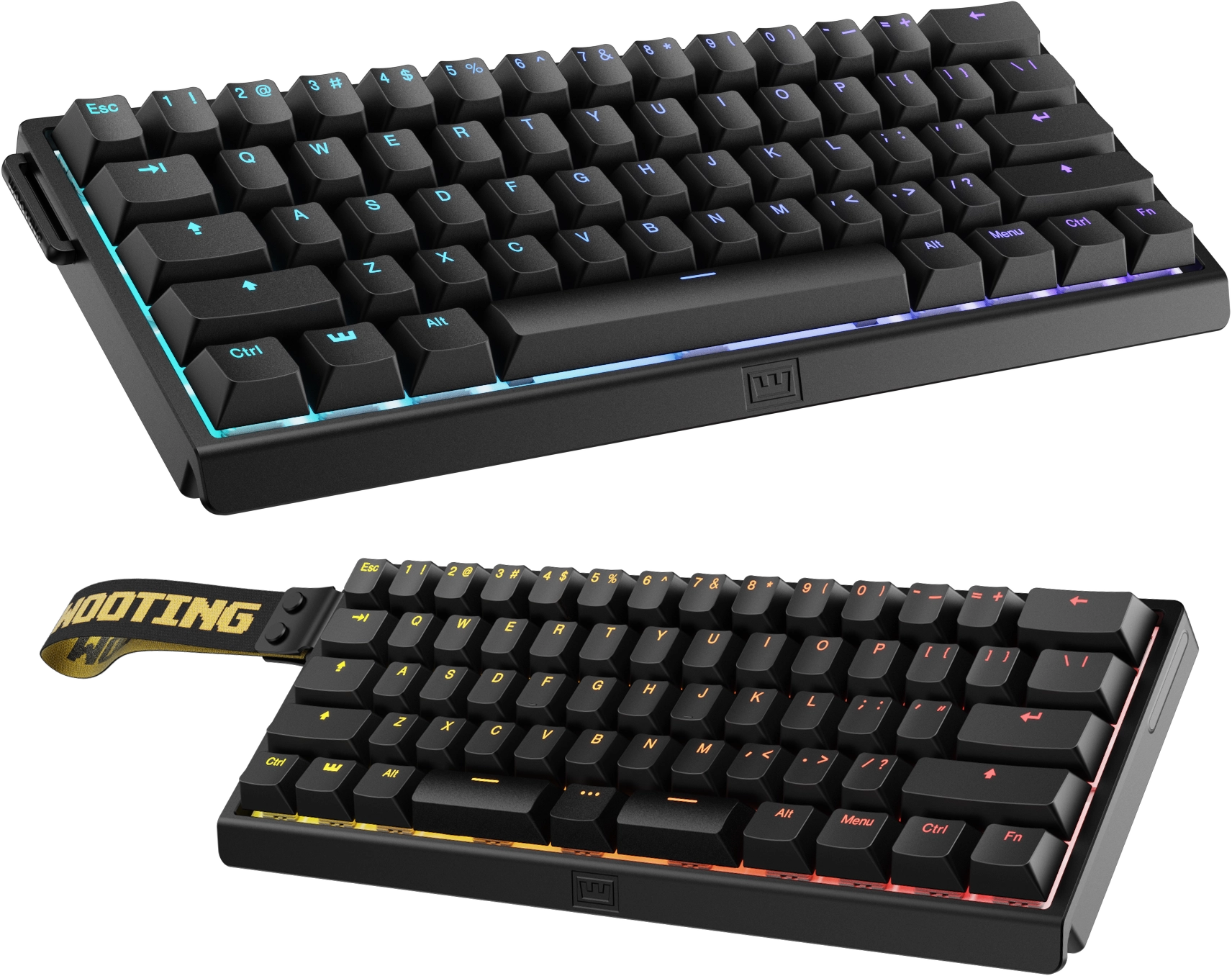
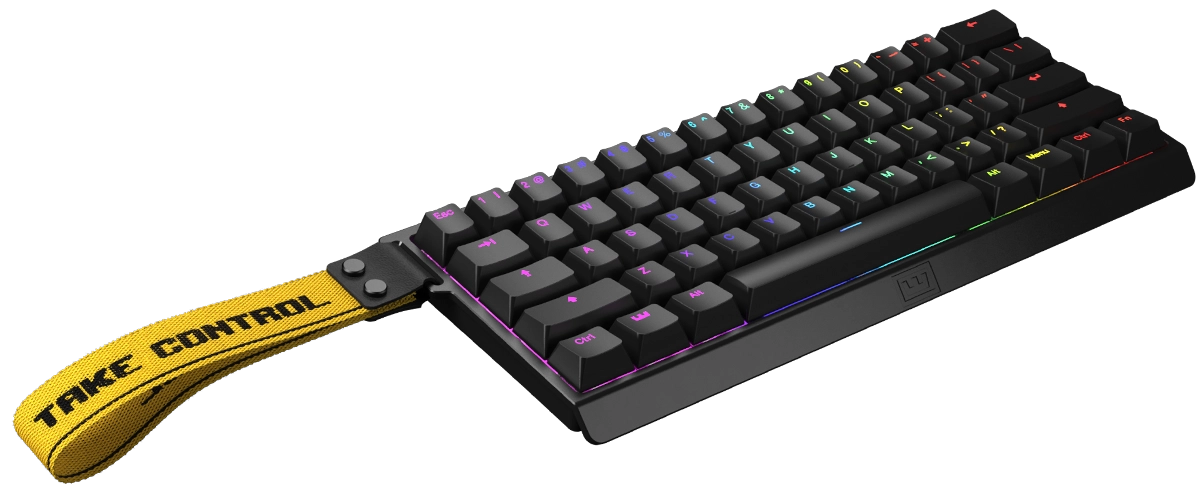
The design language borrows smartly from pricier boards: a fabric carry strap loops over a hook in the top-left corner, a clear nod to the Wooting 60HE, and side grooves add a little grip and visual texture. The USB-C port sits centered on the back edge, and the tri-mode version adds a physical switch for hopping between wired, Bluetooth, and 2.4 GHz — a switch that, per multiple hands-on accounts, works flawlessly with instant reconnection.
Keycaps are where the NS68 gets tricky. The PBT double-shot side-printed caps (with a topographic wave pattern) that PC Gamer's sample shipped with are genuinely nice for the money. But many retail units — especially the "shine-through" ABS variants — ship with legends printed high on the cap while the RGB sits south-facing, which means the light mostly does not come through and the grey-on-black legends can be hard to read unless the board is directly lit. Amazon reviewers flagged this repeatedly, and the shine-through caps also develop a glossy sheen with heavy use. If keycap legibility matters, the side-printed PBT versions are the ones to pick.
The layout is a 65% with 68 keys: arrows and a single nav column are preserved, and the standard ANSI arrangement means no relearning curve. You do give up the function row, a dedicated Delete key, and any Caps Lock indicator — all addressable via Fn layers and remapping, but worth knowing before you buy.
Key Features
- Outemu Peach Crystal magnetic switches — linear Hall Effect switches rated at 40 ± 5 gf with 3.5 mm total travel. They are factory-lubed, notably stable with minimal wobble, and quieter than typical magnetic switches thanks to silent dampeners. The board is hot-swappable, though only with N-pole magnetic switches — third-party S-pole switches can misbehave.
- Per-key adjustable actuation — set the trigger point anywhere from 0.1 mm to 3.7 mm in 0.1 mm steps, per key or per group, for hair-trigger movement keys and deeper, safer typing keys.
- Rapid trigger with 0.01 mm resolution — the reset point tracks the key's upward travel, so repeated presses register almost instantly without full release. Combined with a zero-deadzone setting, this is the core competitive feature.
- 8,000 Hz wired polling — eight times the reporting rate of a standard board, backed by a 32,000 Hz scan rate and a marketed 0.125 ms latency. Wireless mode drops to 1,000 Hz, which is still standard-grade.
- Snap Tap / SOCD cleaning — opposing-key input resolution with last-input-wins behavior for counter-strafing; note that SOCD features are banned in some competitive titles.
- Dynamic Keystroke (DKS), Mod Tap, Toggle, Multi-Tap — advanced per-key behaviors: up to four different actions per key based on travel depth, tap-vs-hold dual functions, toggleable layers, and repeated-press macros.
- Per-key RGB — 16.8 million colors with a deep library of effects, controllable from hotkeys or software. The effects are plentiful; the brightness depends heavily on which keycaps you get.
- Web-based driver (qmk.top) plus a Windows desktop app — remapping, layers, macros, switch calibration, deadzone, actuation, and RGB all configurable in a browser with no install. The UI is a little clunky and translations are rough, but it is a far cry from the half-baked Gamakay tools of old.
- Tri-mode wireless (wireless version) — Bluetooth 5.1, 2.4 GHz dongle, or USB-C, with a 4,000 mAh battery that manages around 40 hours at the dimmest RGB setting.
Performance
The NS68's headline numbers hold up under scrutiny. Independent polling tests with Keyboard Inspector confirm the wired connection runs at or very close to the advertised 8,000 Hz, and single-keypress latency has been measured around 0.25 ms — not quite the 0.125 ms marketing figure, but outstanding for the price and indistinguishable in play. PC Gamer's reviewer described "virtually instant keypresses" in Counter-Strike 2 with no perceptible latency, and hands-on testing in Valorant shows crisp counter-strafing, clean SOCD behavior, and no missed triggers.
The rapid trigger implementation is the real deal, and at 0.01 mm sensitivity it is aggressive enough to be a double-edged sword: one reviewer experienced occasional spacebar double-registration at the most extreme settings, resolved by dialing that key's sensitivity back individually. That is a tuning quirk, not a defect — the board encourages you to push it to the limit, and it behaves at the settings a sane player would actually use.
Reliability is the one area where the picture splits. The vast majority of owners report trouble-free operation — Amazon's wired listing holds a 4.0-star average across dozens of ratings with Amazon's Choice status, and the manufacturer's storefront sits at 4.3 — but a small, persistent minority describe quirks: an unresponsive key that needed a factory reset, third-party switch incompatibility, and the general Gamakay QC lottery. For a $40 keyboard, that risk profile is normal; for a $200 keyboard it would not be.
Pros and Cons
Pros:
- Flagship magnetic-switch feature set at a budget price: 8K polling, 0.01 mm rapid trigger, Snap Tap, DKS — features that were $200 territory two years ago
- Outemu Peach Crystal switches are genuinely good: stable, factory-lubed, quiet-ish, and hot-swappable
- Web-based software that actually works, with per-key actuation, layers, macros, and RGB control — no install required
- Rigid, rattle-free plastic build that punches above its price class
- Tri-mode wireless (on the pricier variant) works flawlessly with instant reconnection
- PC Gamer's 85/100 and its "best budget" gaming keyboard pick — rare consensus for a sub-$60 board
Cons:
- Light 762 g plastic chassis is clearly budget, and QC quirks (stiff feet, desk wobble) appear on some units
- "Shine-through" ABS keycaps barely let light through, and their legends are hard to read — variant lottery
- Loud typing with a stiff, hard bottom-out; not an office-friendly board
- Battery life of roughly 40 hours at dimmest RGB is mediocre for a 4,000 mAh pack
- Hot-swap sockets only accept N-pole magnetic switches; some third-party switches cause issues
- Software lacks profiles and polish — layers only, clunky UI, rough translations
- No onboard storage, no function row, no dedicated Delete key
Who Should Buy This
The NS68 is for the competitive player on a budget who wants rapid trigger and Snap Tap without paying Wooting prices. If you play tactical shooters — Valorant, Counter-Strike, R6 Siege — and have been curious about magnetic switches, this is the lowest-risk way in: the core tech is identical in kind to boards four times the price, and the 8K wired polling is the real thing. It is also a fine choice for a first mechanical keyboard if you game more than you type.
Skip it if you need a full layout or numpad, if your desk sits in a shared or quiet space (this board is loud), or if you want a premium-feeling chassis, long wireless endurance, or QMK/VIA-grade software. Those are compromises at $40, not defects — the NS68 was never trying to be those things. If you specifically need per-key RGB that actually lights up the legends, order the side-printed PBT version rather than the shine-through ABS one.
Alternatives to Consider
- EPOMAKER HE68 Lite (~$42) — the closest rival: another 65% Hall Effect board in the same price band, rated 8.5/10 here, with a similarly strong feature set. Pick based on keycap preference and availability.
- MCHOSE Ace 68 (~$47–60) — the other budget magnetic heavyweight and the NS68's most common head-to-head rival; typically a bit pricier but with slightly different build and sound profiles.
- ATTACK SHARK R85 HE (~$62) — our 8.5-rated budget HE alternative with a similar feature set and a different aesthetic.
- Redragon K673 HE (~$51) — rated 7.5/10 here; a serviceable budget HE board but with less impressive software and switches than the NS68.
- Keychron K2 HE ($139.99) — rated 8.4/10 here; the sensible step up if you want a better build, true shine-through, and wireless done properly, at roughly double the price.
- Wooting 60HE ($189+) and Wooting 80HE ($199.99) — the premium reference, rated 9.2 and 9.0 here. You pay for the best software ecosystem and build in the category; the NS68 delivers most of the gameplay value for a third of the cost.
Verdict
8.6/10 — Excellent. The Gamakay x NaughShark NS68 is the budget Hall Effect keyboard to beat. It delivers the competitive features that matter — 8K polling, 0.01 mm rapid trigger, Snap Tap, per-key actuation — with switches and software that perform well above their price class, and the press consensus backs it up: PC Gamer's 85/100 and its "best budget" pick, plus strong community sentiment across thousands of owner reviews. The compromises are real but expected: plastic build, loud typing, dim RGB on some keycap variants, and the occasional QC miss.
Buy it if you want magnetic-switch performance and cannot justify $200 for it. The NS68 makes the case that you do not need to — and at its frequent sale price of $40 or less, it is close to a no-brainer for budget competitive gamers.
What the Experts Say
Professional review consensus for this product
Full Specifications
| layout | 65% (68 keys) |
|---|---|
| switches | Outemu Peach Crystal magnetic (Hall Effect), 40±5gf, 3.5mm travel, hot-swappable (N-pole) |
| actuation | 0.1–3.7mm per-key, 0.1mm steps |
| rapid_trigger | 0.01mm resolution, zero deadzone |
| polling | 8,000Hz wired / 1,000Hz wireless, 32,000Hz scan |
| latency | 0.125ms marketed; ~0.25ms measured |
| connectivity | USB-C, Bluetooth 5.1, 2.4GHz (tri-mode) |
| battery | 4,000mAh (~40h dimmest RGB) |
| keycaps | PBT double-shot side-printed or ABS shine-through |
| weight | 762g (wired) |
| rgb | Per-key, 16.8M colors |
| software | Web driver (qmk.top) + Windows app |
| price | $39.99–45.99 wired / ~$59.99 wireless |
The Verdict: Excellent
8.6/10 — Excellent. The budget Hall Effect keyboard to beat: competitive-grade rapid trigger and 8K polling for around $40 wired / $60 wireless, with real compromises in build, sound, and software polish.
— GamepadSquire, August 2026
As an Amazon Associate we earn from qualifying purchases made through links for Gamakay x NaughShark NS68.
Related Buying Guide
Buying Guide
Best Mechanical Keyboards 2026: The Complete Guide for Every Budget
The 2026 mechanical keyboard market mapped tier by tier: from the $37 Keychron C3 Pro and $42 EPOMAKER HE68 Lite to the Wooting 80HE and NuPhy WH80. RTINGS' top picks synthesized with Reddit community consensus, covering mechanical, Hall Effect, and TMR switches for every budget.
Buying Guide
Best Hall Effect Keyboards 2026: The Definitive All-Tier Roundup
Hall effect keyboards went from a $200 Wooting exclusive to a market that spans $42 to $400. This is the definitive all-tier roundup: the best budget, mid-range, and flagship magnetic boards of 2026, ranked by specs, lab data, pro adoption, and community feedback.