Deadpool VR: Complete Guide to Controls, Combat, and Secrets (2025)
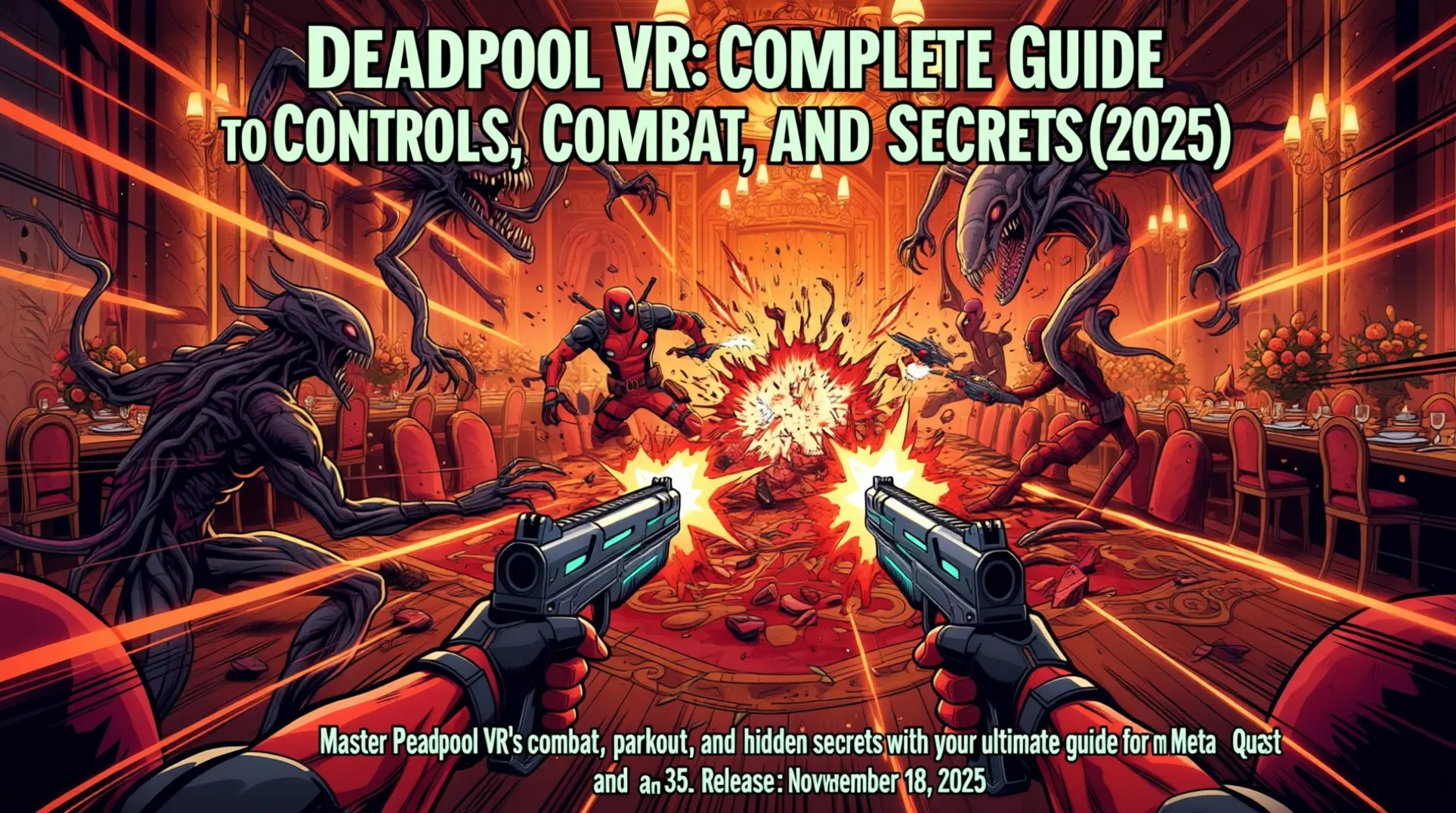
Marvel's Deadpool VR is set to launch on November 18, 2025, bringing the Merc with a Mouth into fully immersive virtual reality. The experience will be available exclusively on Meta Quest 3 and Meta Quest 3S headsets, marking a significant milestone for both Marvel fans and VR gaming enthusiasts.
Release Date
The confirmed release date of November 18, 2025 gives players a clear timeline to prepare their Quest 3 or Quest 3S systems. This exclusive partnership with Meta ensures the game will leverage the full capabilities of these latest-generation headsets, promising an optimized experience that won't be available on older Quest models or competing VR platforms.
Essential Controls Mastery
Core Movement & Rotation Controls
Deadpool VR keeps locomotion simple with standard twin-stick layout. Your left joystick handles walking and strafing, while the right joystick snaps your view in 45-degree increments.
| Action | Controller | Notes |
|---|---|---|
| Walk / Strafe | Left joystick | Choose smooth or teleport in Settings |
| Snap-turn | Right joystick | 45° increments for comfort |
| Recenter view | Hold Oculus button | Quick fix for drift |
| Toggle locomotion | Settings menu | Switch between smooth & teleport |
Comfort matters—toggle teleport locomotion if smooth movement triggers nausea. The game's bite-sized missions make frequent breaks easy.
Weapon Systems & Combat Controls
Combat flows between melee and ranged without menus. Every weapon lives on your body, so muscle memory beats button mashing.
| Weapon | Location | How to Use |
|---|---|---|
| Dual katanas | Over both shoulders | Reach back with each hand, grab hilts |
| Dual pistols | Hip holsters | Reach down, pull triggers to fire |
| Combo switch | Automatic | Stow one, draw the other mid-fight |
The system rewards rhythm: slice, holster, draw, shoot. No cooldowns—just your reflexes.
Grapple Gun & Special Features
Your back-mounted grapple gun turns levels into jungle gyms. Look for glowing anchor points, then yank the tool from the small of your back to zip across gaps or yank enemies into pits.
| Grapple Function | Input | Pro Tip |
|---|---|---|
| Zip to anchor | Grab from back, aim, release | Chain swings for speed |
| Enemy yoink | Grapple + pull | Instant environmental kills |
| Mid-air combat | Grapple while airborne | Rain bullets from above |
Mastering the grapple turns every arena into a playground of flips, kicks, and fourth-wall-breaking stunts.
Controller Reset & Troubleshooting
Stuck inputs or drift can kill the vibe fast. Two resets cover most issues.
- Soft reset: Pop the batteries for 30 seconds, then reinsert. Controllers auto-repair on reboot.
- Hard reset: Headset Settings → Accessories → Unpair controller. Hold Meta + Y (left) or Meta + B (right) to re-pair.
- Stick drift fix: After any reset, recalibrate thumbsticks in Settings → Accessories → Calibrate.
Keep these steps handy—Deadpool won't stop talking, but at least your hands will listen.
Combat System Breakdown
Weapon Synergy: Katanas and Pistols
Deadpool VR's combat revolves around the seamless dance between dual katanas and dual pistols. Players grab katanas by reaching behind their back and pistols from their hips, creating an intuitive weapon-switching rhythm. Katanas slice through enemy blocks temporarily, while pistols provide crucial crowd control—together they form a strategic combat loop that rewards constant alternation.
Advanced techniques elevate the experience beyond simple slashing. Players can deflect bullets mid-air using katanas, turning defense into offense. The physics-driven mayhem includes enemy decapitation and dismemberment, making every encounter feel like a choreographed action sequence.
Arcadey Combat Experience
The combat system embraces its arcade-inspired roots with exaggerated, fast-paced action. Movement feels kinetic and acrobatic, prioritizing fun over realistic weight or precision. This design choice aligns perfectly with the game's cartoony tone and Deadpool's irreverent personality.
The experience constantly shifts between different gameplay styles:
- On-rails cinematic shootouts that feel like classic arcade galleries
- Game-show mini-games that break up combat sections
- Savage melee-ranged combinations that keep players in constant motion
Limb-Loss and Regeneration Mechanics
Deadpool's healing factor isn't just cosmetic—it's a core gameplay system that fundamentally changes how you fight. Limbs can be severed during combat, immediately altering movement and perspective. Losing an arm affects weapon handling, while decapitation shifts the camera to a rolling head perspective.
The mechanic transforms into environmental puzzles where players must locate and reattach severed body parts. This creates unique VR-specific challenges, like crawling to retrieve your own arm or using your detached head to scout ahead. Boss encounters incorporate scripted sequences around limb loss, making regeneration timing crucial to survival.
Movement & Parkour Mastery
Mastering Deadpool's Kinetic Parkour System
Deadpool VR was built on a movement-first design philosophy that treats parkour as a core pillar rather than an optional mechanic. Every surface becomes a potential path forward, with wall-running, vaulting, and climbing forming the backbone of traversal.
The parkour toolkit is surprisingly deep. You can wall-run on vertical surfaces to gain height advantages or escape tight situations. Vaulting over obstacles flows seamlessly into slow-motion flips, letting you reposition while maintaining style points. The grappling hook adds another layer, pulling you across gaps or yanking enemies into melee range.
This system creates what reviewers call a "fluidity of action rarely achieved in VR." You're not just moving through levels—you're thinking in three dimensions, chaining movements into creative solutions. However, the game uses artificial stick-based locomotion exclusively, so players sensitive to VR motion sickness should approach with caution.
Integrating Movement with Combat and Environmental Interaction
Parkour isn't separate from combat—it's the engine that powers your most spectacular kills. Picture this: you're wall-running up a vertical surface, flip into slow-motion, and unload dual pistols while upside down. If you can imagine it, the game lets you execute it.
The environment itself becomes your weapon. Room-scale interaction means your physical playspace extends into the virtual world, letting you grab, throw, or repurpose anything within reach. Severed limbs? Makeshift projectiles. Explosive barrels? Mobile cover that you kick toward enemies.
Every arena transforms into a combat sandbox. Kick off walls to build momentum, grapple to higher platforms for drop attacks, or use obstacles as springboards for aerial assaults. The wild combat system rewards creativity over memorization, making each encounter feel uniquely chaotic.
Boss Fight Strategies
Mojo Final Boss Encounter
The climactic showdown with Mojo is a reality-show spectacle. Deadpool must use the grappling gun to hurl environmental objects at the villain. The key to victory is identifying and repeatedly targeting a clearly exposed weak point. This scripted finale rewards precision over brute force.
Lady Deathstrike Boss Fight
This multi-phase battle takes place in the vibrant Mojo World arena. Mobility is your greatest asset—keep moving to avoid her relentless strikes. Use the arena's structures for cover while alternating between ranged and melee attacks. Learning her attack patterns is essential for survival.
Omega Red Encounter
Omega Red's carbonadium tentacles demand constant movement to avoid entanglement. Alternate between pistols and katanas to exploit brief openings after his attacks. Manage your healing resources carefully throughout this endurance battle.
Mephisto Boss Fight
The Mephisto encounter features a hellish arena and an unexpected Ghost Rider team-up. Progress by exploiting openings after Mephisto's devastating attacks. The fight culminates in a coordinated finish that requires precise timing with your spectral ally.
Platform-Specific Optimization
Meta Quest 3 vs Quest 3S Performance Differences
Marvel's Deadpool VR runs natively on both Meta Quest 3 and Quest 3S without needing a PC connection. The Quest 3 features a Qualcomm Snapdragon XR2 Gen 2 chipset, while the Quest 3S uses the older XR2 Gen 1 processor from Quest 2.
This hardware gap translates to real visual differences. Quest 3 delivers dual LCD panels at 2064 x 2208 pixels per eye with 120Hz refresh rate, while Quest 3S offers a single LCD panel at 1832 x 1920 pixels per eye with 90Hz refresh rate. The Quest 3S version may dial back graphical settings to maintain stable frame rates on its older hardware.
Both headsets handle the game's physics and frame rate similarly. Any performance hiccups stem from software optimization rather than hardware limitations between models.
Visual Optimization Tips & Hardware Recommendations
For the sharpest Deadpool VR experience, prioritize higher refresh rates in Settings > Display. Quest 3 users should target 120Hz, while Quest 3S owners can max out at 90Hz.
Essential Software Tweaks
- Quest Games Optimizer ($12): Creates custom profiles with higher rendering resolutions and locked frame rates
- SideQuest (Free): Offers advanced ADB commands for texture size and CPU/GPU adjustments (use with caution)
Must-Have Accessories
- Prescription lens inserts: Eliminate glasses discomfort and fogging for precise combat
- Elite-style head straps: Improve weight distribution for marathon sessions
- Controller grips with knuckle straps: Secure controllers during dual-wield gunfights
- Over-ear headphones: Superior sound isolation for Deadpool's chaotic audio
- Extended battery packs: Double or triple wireless playtime
Exploration & Secrets
Secret Doors & Variant System
Every main level hides at least one Variant Door: a shimmering portal that only opens when you return wearing the matching Deadpool costume. These doors are color-coded and shaped to hint at which of the 140+ unlockable variants you'll need—Lady Deadpool's door is pink and heart-shaped, while Cowboypool's sports a sheriff's star.
Behind each door lies a Variant Level with its own puzzles, enemies, and gags. The layouts are completely separate from the campaign, so expect new geometry, traps, and dialogue. Completing these stages often rewards you with cameos like Coolpool, a mysterious alternate Deadpool who hands out meta-commentary and extra collectibles.
Hidden Content & Easter Eggs
If you're hunting 100 % completion, keep an eye out for the Secret Flag-Smasher Level—a Lady Deadpool-exclusive stage packed with flag-themed enemies and environmental puzzles. You'll find her door tucked behind a stack of crates in the third campaign mission; look for the pink glow under the flickering neon sign.
Other Easter eggs reward sharp eyes and quick thinking:
- Locked Door Puzzle: In the warehouse level, a timed pressure-plate sequence opens a hidden room stuffed with developer commentary audio logs.
- Strange Details: Posters, graffiti, and even soda cans contain QR codes that unlock concept art in the extras menu.
- No-Commentary Playthroughs: Full video guides exist that walk through every secret area, making it easy to cross-check anything you missed.
Replaying levels with different variants is the only way to see everything, so don't stash those costumes after you unlock them.
Advanced Tips & Troubleshooting
Advanced Combat Strategies
Deadpool VR rewards precision over panic. Master swordplay by focusing on deliberate slashes and thrusts rather than wild swings, as the game's "tricky swordplay" system demands finesse to land clean hits.
Chain creative kill combos to maximize your Mojobucks rewards. Effective sequences include staggering enemies with leg shots before finishing them with teleportation attacks. Exploit environmental hazards by shooting explosive barrels or knocking enemies off ledges for stylish eliminations.
Use teleportation both defensively and offensively. Master the VR movement mechanics to flank enemies and escape when surrounded, turning the chaotic battlefield to your advantage.
Performance Optimization
Achieve smooth gameplay by creating custom optimization profiles. Use SideQuest and Quest Games Optimizer to increase resolution and lock refresh rates to 90Hz or 120Hz for fluid combat sequences.
Optimize your network setup for PCVR play:
- Connect your PC via Ethernet to reduce latency
- Use a dedicated 5GHz Wi-Fi band for your Quest 3/3S
- Prioritize frame rate over visual fidelity in game settings
- Reduce motion blur for better clarity during fast-paced scenes
Enable the performance overlay in Quest developer settings to monitor FPS, CPU/GPU usage, and temperature in real-time during gameplay.
Troubleshooting Common Issues
When crashes or lag occur, perform a hard reboot by holding the power button and selecting Restart to clear temporary software glitches.
Address lens fogging by ensuring your headset reaches room temperature before playing. Consider using anti-fog inserts for extended sessions.
For controller issues:
- Replace batteries with fresh ones
- Re-pair controllers through Quest settings
- Check for tracking failures or unresponsiveness
If persistent game-breaking bugs appear, uninstall and reinstall Deadpool VR to resolve corrupted local data.
Mojo Dojo Secrets & Character Variants
Hidden throughout levels are secret doors that require specific Deadpool variants to unlock. These transport players to exclusive challenge levels filled with unique puzzles and combat scenarios.
Secret levels reward dedicated explorers with:
- Premium Mojobucks
- Vintage comic books
- Original music tracks
- Concept art
- Exclusive weapon skins
Discover Coolpool by finding the correct hidden door while wearing the corresponding costume. The Kidpool variant activates a family-friendly mode, toning down mature content for broader accessibility.
Community Resources & Game Tie-Ins
Join the Deadpool Corps Discord server with over 7,100 members for real-time discussions, strategy sharing, and discovery announcements.
The r/deadpool subreddit hosts 82,000+ subscribers discussing VR gameplay and helping distinguish official content from community mods.
Take advantage of cross-promotional rewards:
- Use code 'DEADPOOLVR' in Marvel SNAP for exclusive in-game items
- Unlock custom Deadpool-themed sprays in Marvel Rivals starting November 20
Mastering Deadpool VR means leveraging its fluid combat, parkour, and hidden secrets to dominate every encounter. With these tips for optimization and exploration, you're equipped to fully enjoy the mayhem. Suit up, grab your controllers, and step into the chaos on launch day.
More Deadpool-VR Guides
Deadpool VR: Ultimate Beginner's Survival Guide & Pro Tips
Master Deadpool VR with our complete guide! Learn combat, movement, audience engagement, and secret strategies for Meta Quest 3.
Deadpool VR Complete Guide: Game Length, Combat Tips, and 100% Completion
Master Marvel's Deadpool VR with our comprehensive guide covering 5-10+ hour playtimes, combat strategies, secret unlocks, and platform performance tips.
Deadpool VR Mastery Guide: Essential Tips for Meta Quest 3 Survival
Learn how to master Deadpool VR on Meta Quest 3 with our complete guide. Get tips on combat, movement, comfort settings, and troubleshooting to survive the chaotic fourth-wall-breaking adventure.
AI Tactical Companion
Consult with our specialized tactical engine for Deadpool-VR to master the meta instantly.